Working from home is now a common part of life for many people. To make the most of your home office, it’s essential to create an environment that supports both relaxation and productivity. Striking this balance can help you feel focused during work hours while also reducing stress. In this post, we’ll share practical tips for designing a home office space where you can work comfortably and efficiently.
Choose the Right Location
Quiet and Natural Light
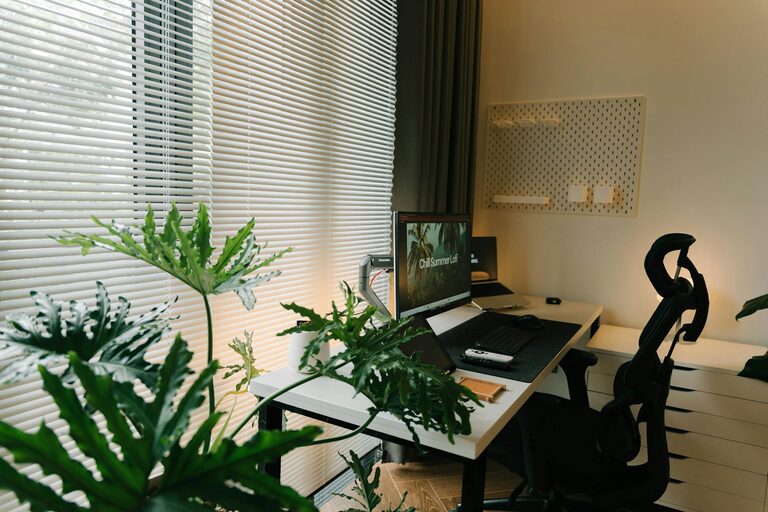
Finding the right spot in your home is the first step. Ideally, choose a quiet area away from household distractions like the TV or busy walkways. If possible, set up your office near a window. Natural light helps improve mood and alertness, which can increase productivity.
Separate Work from Relaxation
If you don’t have a separate room, consider using room dividers or screens to delineate your work area. This separation tricks your brain into recognising when it’s time to work and when to relax.
Invest in Comfortable Furniture
Ergonomic Chair and Desk
Comfort is key to staying productive and avoiding physical strain. Choose an ergonomic chair that supports your back and encourages good posture. Your desk should be at a height where your elbows rest comfortably at a 90-degree angle.
Adjustable Equipment
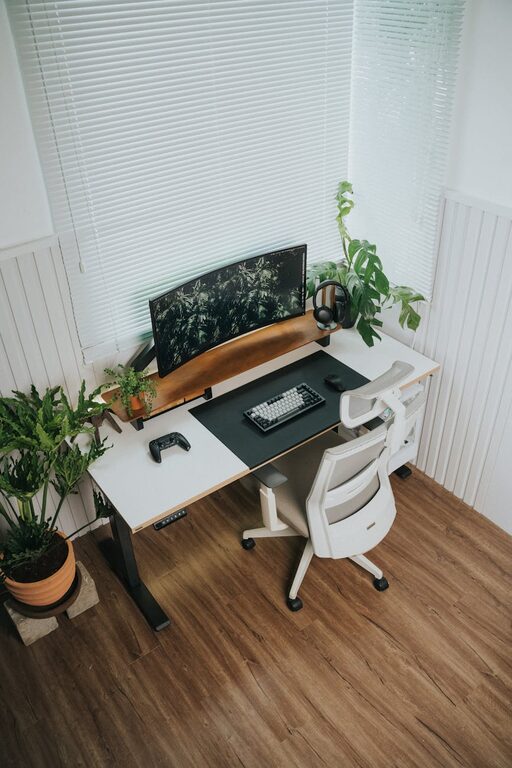
Using adjustable monitor stands and keyboards can help you buy a comfortable position, reducing neck and wrist strain.
Keep Your Workspace Organised
Declutter Regularly
A cluttered desk can lead to a cluttered mind. Keep only essential items on your desk, and store other supplies in drawers or shelves. Regular decluttering helps maintain focus.
Use Organisers and Storage
Desk organisers, trays, and filing systems help keep papers and stationery tidy. Labelled storage boxes can make it easier to find what you need quickly.
Personalise Your Space
Add Calming Colours
Choosing the right colours can create a calm atmosphere. Soft blues, greens, or neutral tones are known to reduce stress and promote focus.
Include Personal Touches
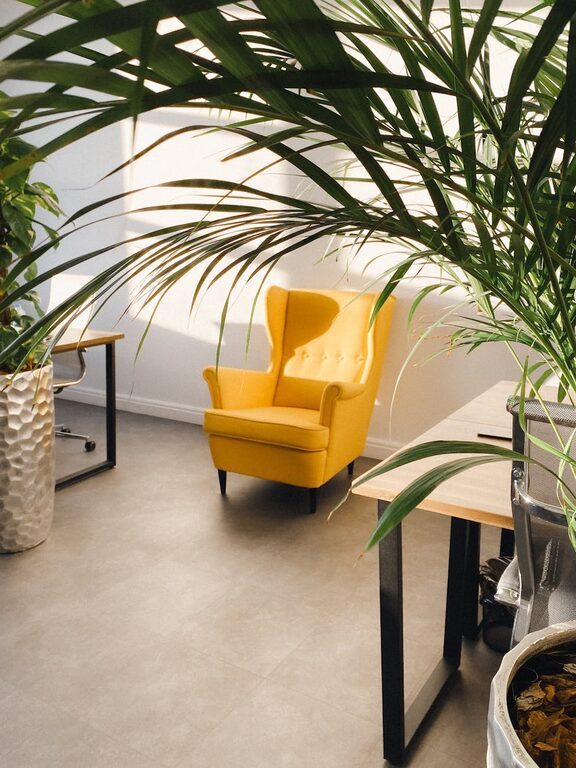
Photos, plants, or artwork can make your workspace inviting and uniquely yours. Plants, in particular, improve air quality and bring a touch of nature indoors.
Manage Lighting and Screen Setup
Balance Natural and Artificial Light
Besides natural light, use soft, indirect artificial lighting to avoid eye strain. Desk lamps with adjustable brightness can help when working late.
Position Your Screen Correctly
Place your computer screen an arm’s length away with the top of the monitor at or slightly below eye level to avoid neck discomfort.
Limit Distractions
Set Boundaries
Establish clear work hours and communicate them with family or housemates to minimise interruptions.
Turn Off Notifications
Switch off unnecessary notifications on your devices during work periods to help maintain concentration.
Incorporate Relaxation Elements
Take Regular Breaks
Set reminders to pause and stretch or go for a short walk. These breaks reduce fatigue and improve focus.
Use Relaxing Scents or Sounds
Essential oils like lavender or soundtracks of nature sounds can create a soothing environment that helps reduce stress during work.
Maintain Good Air Quality and Temperature
Ventilate Your Space
Fresh air and good ventilation are crucial for maintaining alertness. Open a window regularly or use an air purifier.
Keep Room Temperature Comfortable
An office that is too hot or too cold can distract you. Aim for a comfortable temperature, typically between 20-22°C.
Stay Hydrated and Energised
Keep a bottle of water on your desk to stay hydrated throughout the day. Light, healthy snacks can also help maintain energy levels without causing sluggishness.
Review and Adjust Regularly
Your ideal home office setup may change over time. Regularly assess what is and isn’t working, and don’t hesitate to make improvements to enhance both your comfort and productivity.
—
By applying these tips, you can create a home office environment that supports your well-being and work goals. A space designed for both relaxation and productivity makes working from home more enjoyable and efficient. Whether you are setting up a new office or improving an existing one, small changes can lead to big improvements.